
Oddments.
Private clipboard history
Find the thing you copied earlier.
One of fifteen tools the studio built for its own work. We build the same kind of app for clients, shaped around the job they need doing.
- Made for
- The things your team copies, pastes and retypes all day
- Shape
- Small app in the Mac menu bar
- Data
- Encrypted locally; optional encrypted sync for saved clips
What Oddments does.
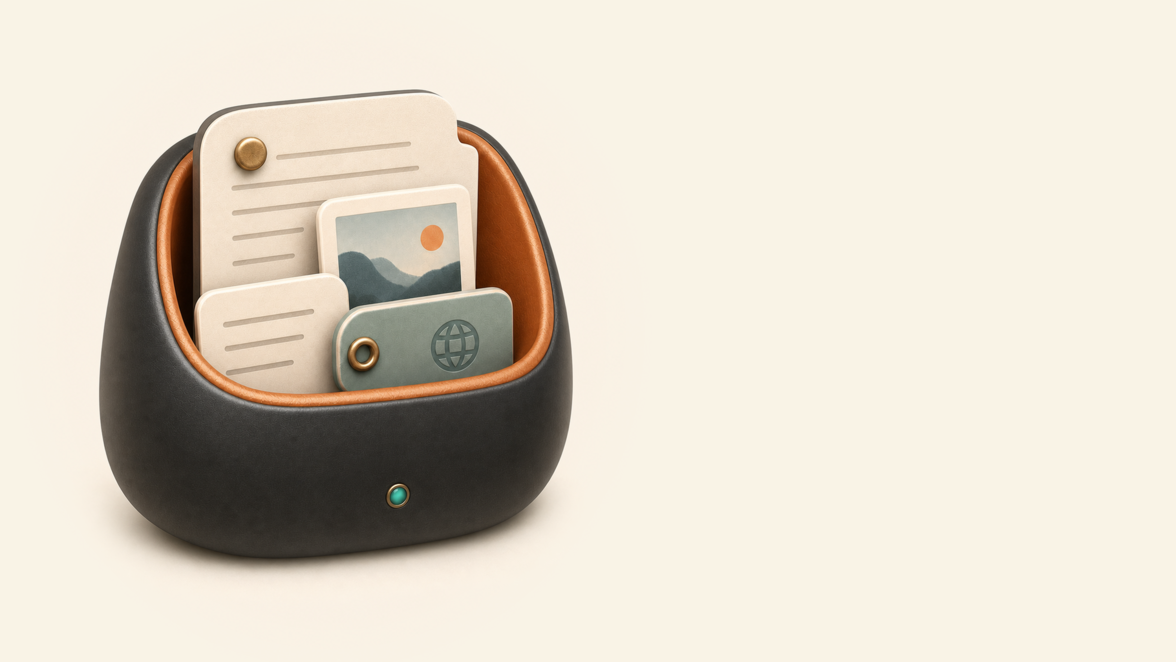
Oddments keeps recently copied text, links and images one keystroke away. Search narrows while you type, and collections hold details or paragraphs you use repeatedly.
Clipboard history is encrypted on the machine. You can pause capture or exclude apps, and Oddments skips clipboard items marked sensitive. These controls do not identify every password or confidential detail.
Remove a small interruption that repeats throughout the day: finding something copied earlier or retyping information your team uses often.
Why we built Oddments.
Everyone re-types the same bank details, addresses and boilerplate every week. Small losses, dozens of times a day, across everyone in the business.
The tools we tried made old items slow to find and difficult to organise. We built a version that is quick to search, works from the keyboard and protects the sensitive information a clipboard may contain.
How Oddments earns its place in a working day.
Copy as normal
Eligible text, links and images are captured in the background, subject to pause, app exclusions and sensitive-item markers, with duplicates folded together.
One keystroke back
A compact search window opens instantly; type a few letters and the thing you lost is selected and back on the clipboard.
Narrow it fast
Filter by the app it came from, by type, or by collection: "the link I copied from the browser this morning" is a few keys, not a scroll.
Keep the regulars
The things you paste every week (the bank details, the boilerplate paragraph) get pinned into collections, one keystroke away for good.
Small delays disappeared
Finding and retyping copied information stopped interrupting the day. The saving adds up across a team.
The clipboard became trustworthy
Encrypted history and capture controls help protect copied information. Check exclusions and pause capture before copying sensitive material.
Regular details stay organised
Frequently used text now lives in a searchable, organised library instead of a separate notes file.
Made to fit the work it needs to do.
A clipboard manager sees everything you copy, so privacy came first. History is encrypted on the machine. Excluded apps and sensitive-item markers reduce what is captured, but cannot recognise every secret. Optional encrypted Google Drive sync covers deliberately saved clips, not the full clipboard history.
The rest of the craft is speed: the window appears in a tenth of a second and search answers as you type. A tool used fifty times a day earns its keep through feel.
Optional local AI can summarise clips and suggest titles or categories. It is off by default and uses a separately configured model service on the same machine.



Could your business use something like this?
Tell us the job in plain English. We'll say what would solve it, what it would cost, and whether a desktop app is the right shape for it.