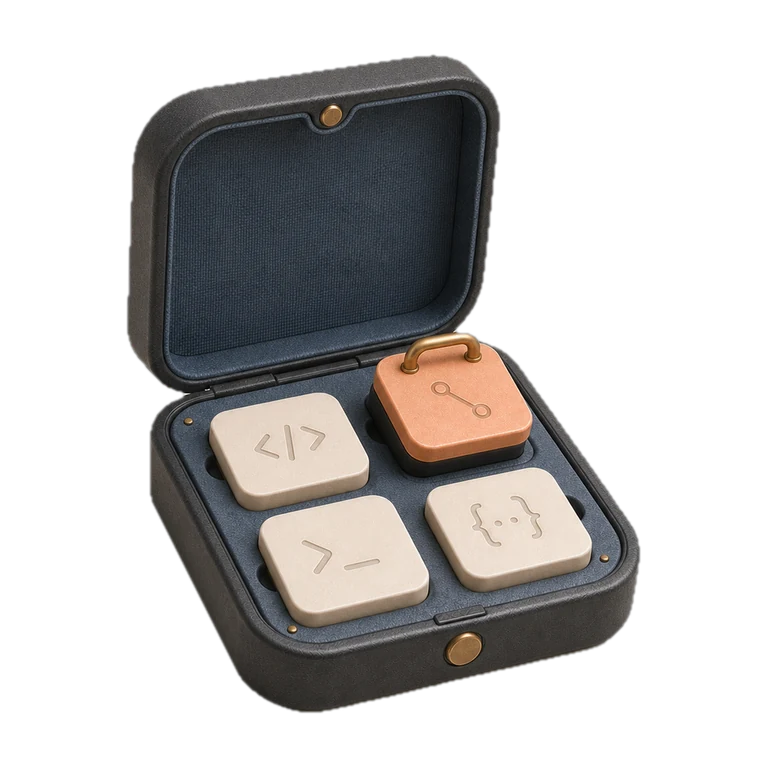
Kit.
AI access control
Know exactly what AI can do on each project.
One of fifteen tools the studio built for its own work. We build the same kind of app for clients, shaped around the job they need doing.
- Made for
- Keeping a growing set of AI abilities deliberate
- Shape
- Native Mac app
- Data
- Stays on the machine
What Kit does.
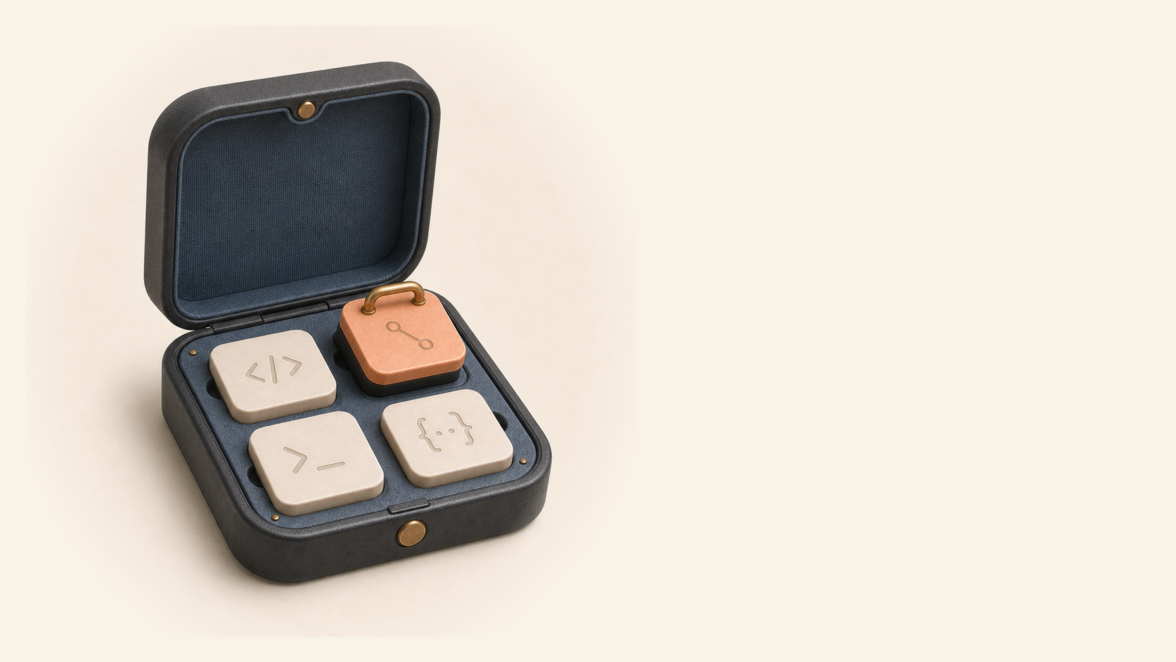
AI tools can gain new abilities quickly. Without clear control, projects may end up with access they do not need. Kit lists every ability we use and shows exactly where it is allowed.
That gives us a current, written answer to a simple question: what can the AI do on this project?
If AI touches your quotes, replies or paperwork, someone will eventually ask what it's allowed to do. A tool like this keeps the answer written down and current.
Why we built Kit.
Keeping those permissions tidy by hand meant fiddly set-up, and mistakes that only surfaced when something broke.
Kit puts the whole thing in one window: every ability we use, which projects have it, and whether anything is broken, with changes previewed before they're made.
How Kit earns its place in a working day.
Browse the library
Every AI ability the studio uses, in one place, searchable, with a description of what each one does.
Choose per project
Abilities are switched on for the projects that need them, individually or as named sets for common groupings.
Preview, then apply
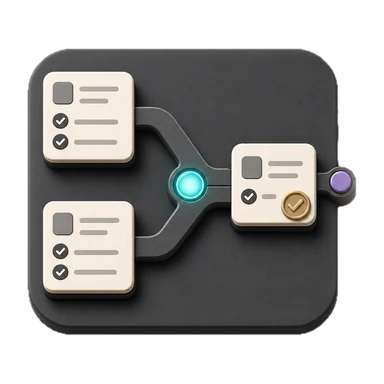
Every change is shown (what's added, what's removed) before anything is touched. Then Kit applies it and confirms.
Catch problems early
Broken connections and stale entries are flagged automatically, before they surprise anyone mid-task.
AI access became clear
Each project has a current, written record of the abilities it allows.
Set-up went from fiddly to seconds
What used to mean careful hand-editing is now a preview and a click.
The toolkit stays deliberate
Unused abilities surface, so the set each project carries stays intentional rather than accumulated.
Made to fit the work it needs to do.
The preview-before-apply pattern is the whole philosophy in one feature: show exactly what will change, then change exactly that. Nothing is altered without being shown first.
Kit does not run AI itself; it controls what AI may do on each project. As AI takes on more work, the controls matter as much as the tools doing the work, and we make both.
Kit does not run AI. It records and controls which abilities are available to each project, with every proposed change shown before it is applied.



Could your business use something like this?
Tell us the job in plain English. We'll say what would solve it, what it would cost, and whether a desktop app is the right shape for it.