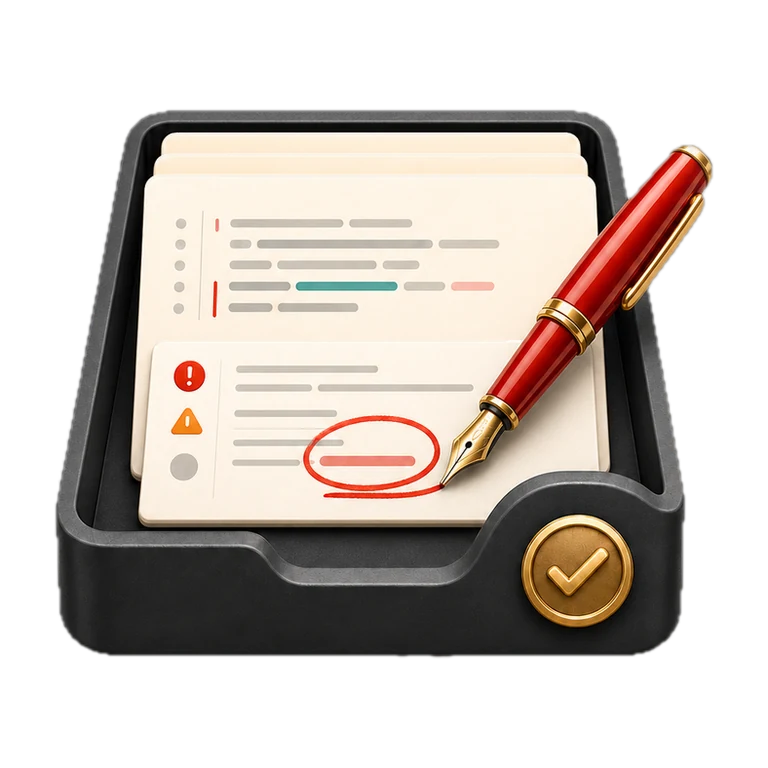
Red Pen.
Automatic review
Finished work, checked the day it's finished.
One of fifteen tools the studio built for its own work. We build the same kind of app for clients, shaped around the job they need doing.
- Made for
- Checking finished work without anyone having to remember
- Shape
- Runs itself in the background, with a companion in the Mac menu bar
- Data
- Stays on the machine
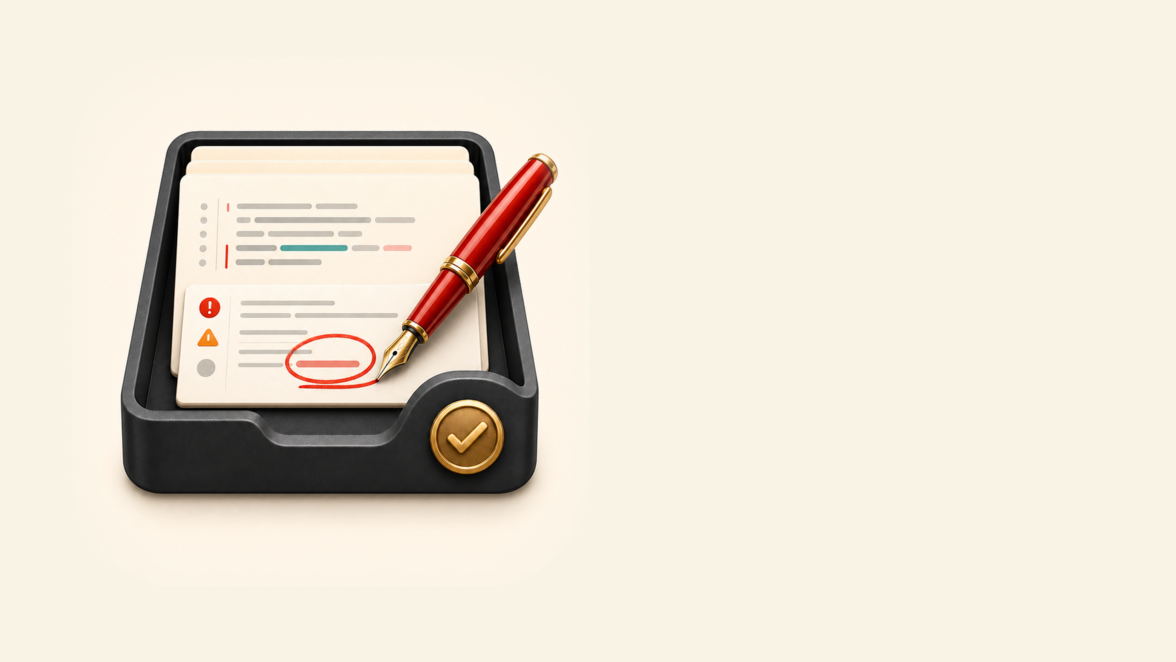
What Red Pen does.
Finished work is easiest to review while the thinking is still fresh, yet that is also when the check is most easily skipped. Red Pen starts the review automatically when a coding session ends and files a written report about a minute later.
Changes involving payments, sign-in or other sensitive areas receive a second, deeper check. A small app in the Mac menu bar shows which reports need attention.
Apply the same pattern to quotes, contracts or proposals: finished work gets a second pair of eyes automatically, before it goes out.
Why we built Red Pen.
We noticed the review step was the one most often skipped, for the very human reason that it had to be remembered first.
Red Pen removes the remembering. When a working session ends, it notices by itself, reads everything that changed, and files a written review about a minute later.
How Red Pen earns its place in a working day.
A session ends
Red Pen notices on its own: no command, no reminder, no habit to maintain.
The changes get read
Everything that changed since the work began is reviewed, with the machine-made clutter left out automatically.
Sensitive work gets another check
Changes involving payments, sign-in or other sensitive areas receive a deeper review, merged into the same ranked report.
The report is filed
Clean reports file themselves away silently. Only findings ask for attention, waiting in the menu bar grouped by project.
Every session gets checked
The review happens because nobody has to remember to start it.
Clean work makes no noise
A review with nothing to report never becomes something to dismiss by hand. Attention is spent only where there are findings.
Problems surface the same day
Issues are caught while the change is still fresh in someone's head, not weeks later when the context has evaporated.
Made to fit the work it needs to do.
Red Pen works across the AI development tools we use, so every coding session receives the same check. The deeper, more expensive review only runs when a change involves a sensitive area.
It even keeps monthly figures on its own behaviour, so we can see how often the deeper check runs and confirm the checking earns its cost. We hold our internal tools to the same test we'd apply to anything we built for a client.
AI reads the changes and writes the first review. Sensitive work receives a deeper security check, and both sets of findings are combined into one ranked report.


Could your business use something like this?
Tell us the job in plain English. We'll say what would solve it, what it would cost, and whether a desktop app is the right shape for it.